
Category: How To
-
How to Watch the Final Rounds of the 2020 NFL Draft April 25, 2020
Day three of the Draft is here. We’ve seen the first three rounds over the past couple days. Now, it’s time to tune in for the final four rounds, beginning at noon today. Want a recap from last night? Check out the ESPN draft tracker to see which players were chosen and to check out…
-
How to Watch Rounds 2 & 3 of the 2020 NFL Draft April 24, 2020
Day two of the Draft is here. Last night, we saw coaches, players, and media personalities check in from their homes for Round 1. Beginning at 7 pm ET tonight, we’ll watch them come back to make their next picks, with just seven minutes of decision time. Want a recap from last night? Check out…
-
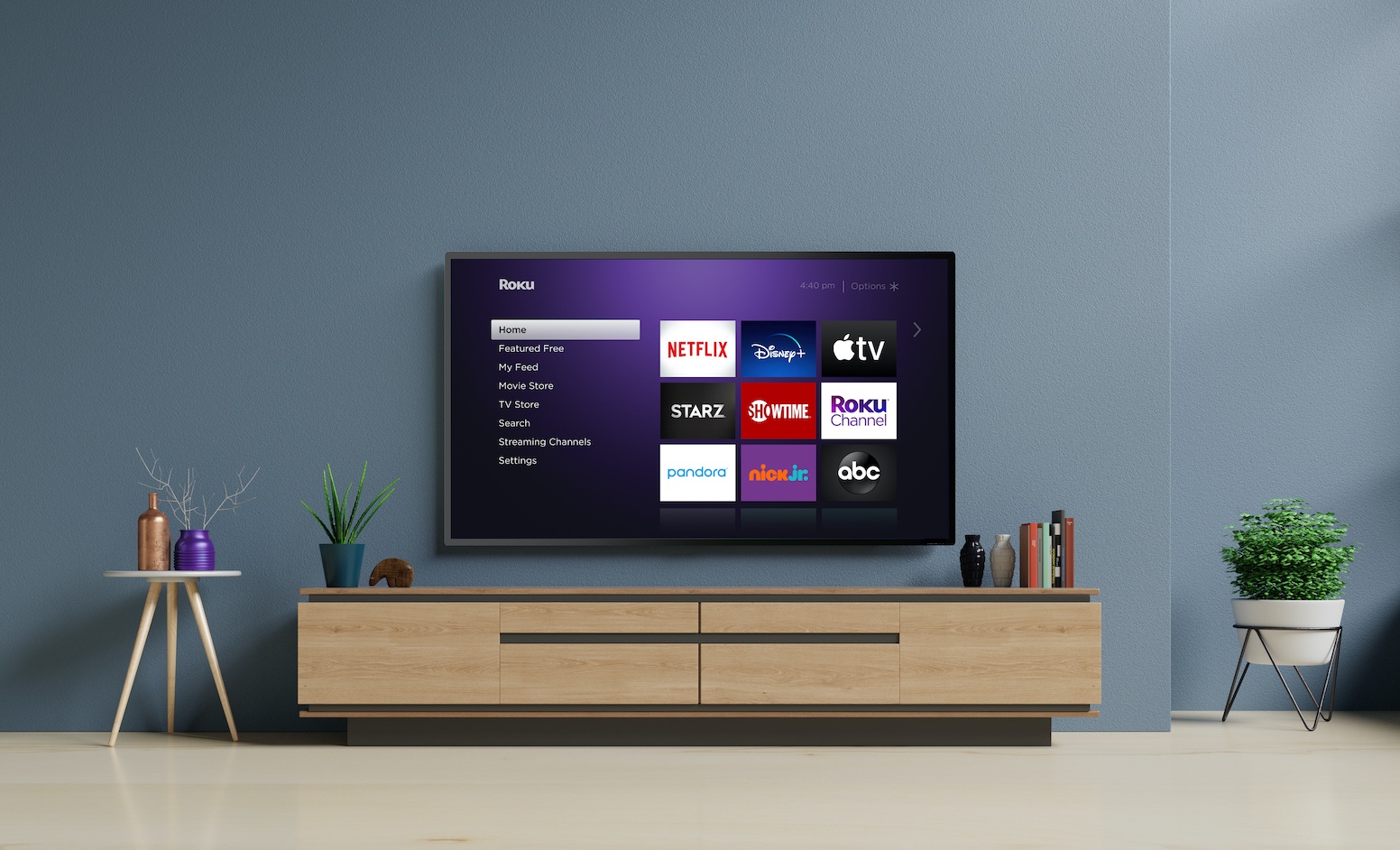
5 Roku Features You Might Not Know About
Roku’s streaming devices have gained a sizable following among cord cutters, especially with those looking to convert their TVs into smart TVs — or upgrade beyond their current smart TV’s built-in operating system. But if you’re new to the platform, or if you’ve just been using your Roku as a simple gateway to your favorite…
-
How to Watch the First Round of the 2020 NFL Draft April 23, 2020
The 2020 NFL Draft begins tonight. Rather than taking place live in Las Vegas, the first ever virtual draft will bring all of us to NFL Commissioner Roger Goodell’s basement. (Check out the work from home set ups of some of the coaches ahead of the Draft.) Coaches, officials, invited prospects, and football commentators will…
-

Throwback Thursday: How to Binge Watch LOST
It may feel like it was just yesterday, but May marks ten years since the ambitious, influential and some would say divisive hit series, LOST aired its final episode on ABC. From 2004-2010, die hard fans and curious newcomers were captured by the show’s potent drama and dense mysteries – eventually forming a vast online…
-
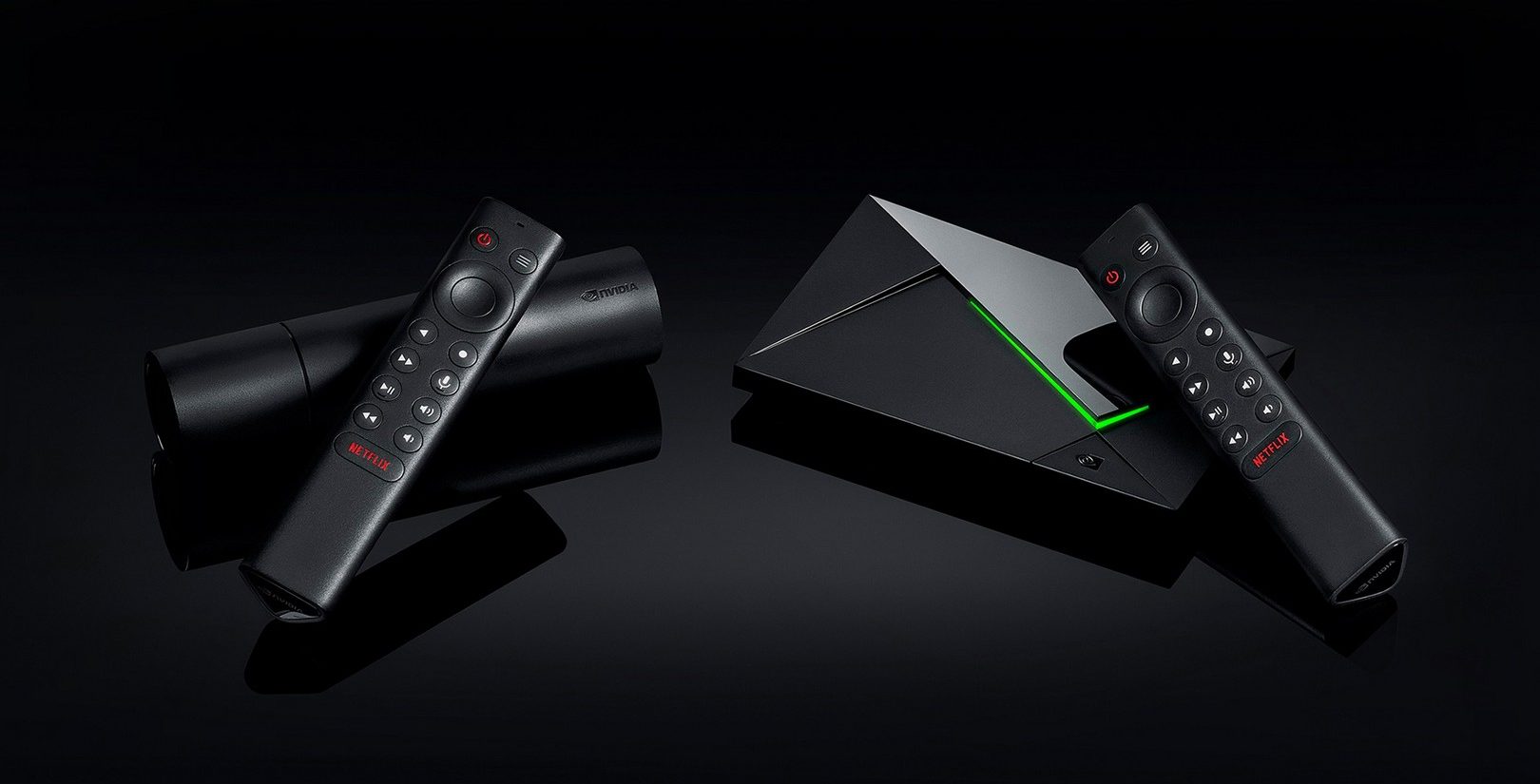
How to Use NVIDIA Shield TV’s AI Upscaling Feature
The NVIDIA Shield TV and Shield TV Pro are both powerful, flexible streaming devices that support a number of advanced features, including 4K HDR playback at up to 60 frames per second. But one of its more interesting party tricks is what the company calls “AI upscaling.” This is in addition to the standard and…
-
How to Use YouTube TV’s DVR Feature
One of YouTube TV’s biggest selling points is its “unlimited” DVR feature, which allows you to record tons of shows, sporting events, and more — and then stream that content to various devices. In this guide, we’re going to walk you through how it works and how you can get the most out of it.…
-
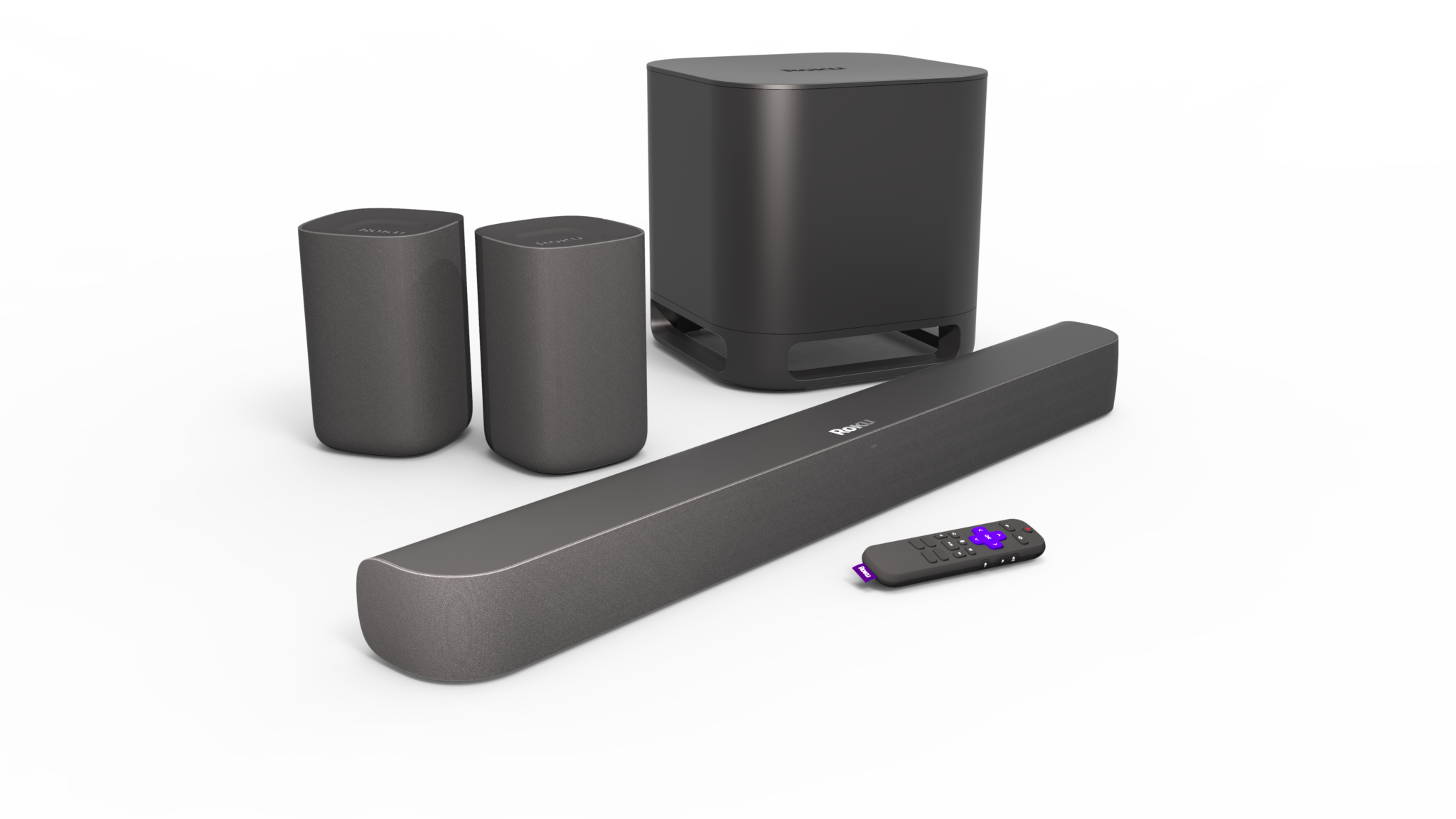
How To Adjust Sound Settings on Your Roku Gear
While it’s likely best known for its line of media streamers, Roku does offer a line of audio gear, including a soundbar and wireless satellite speakers. If you’ve recently added a Roku speaker to your home theater setup, you might be wondering how to get the most sonic bang for your buck. In this how…
-

How to Watch Sesame Street: Elmo’s Playdate Tuesday Night
Elmo is hosting a playdate and everyone is invited. The half hour special has been created to help comfort kids while dealing with the coronavirus pandemic. During the ‘Playdate,’ Elmo will visit with some well-known friends via video conferencing. Lin-Manuel Miranda joins in singing along to “Old McDonald Had a Farm,” while Anne Hathaway pops…
-
How to Use Your Voice to Control Your Roku Device
In addition to the standard physical controls, many recent Roku devices also allow you to search for content and control functions using your voice. Below, we’ll walk you through how to set up and use your voice with your Roku streaming device. Getting Started with Roku Voice Controls First up, you’ll have to determine if…