
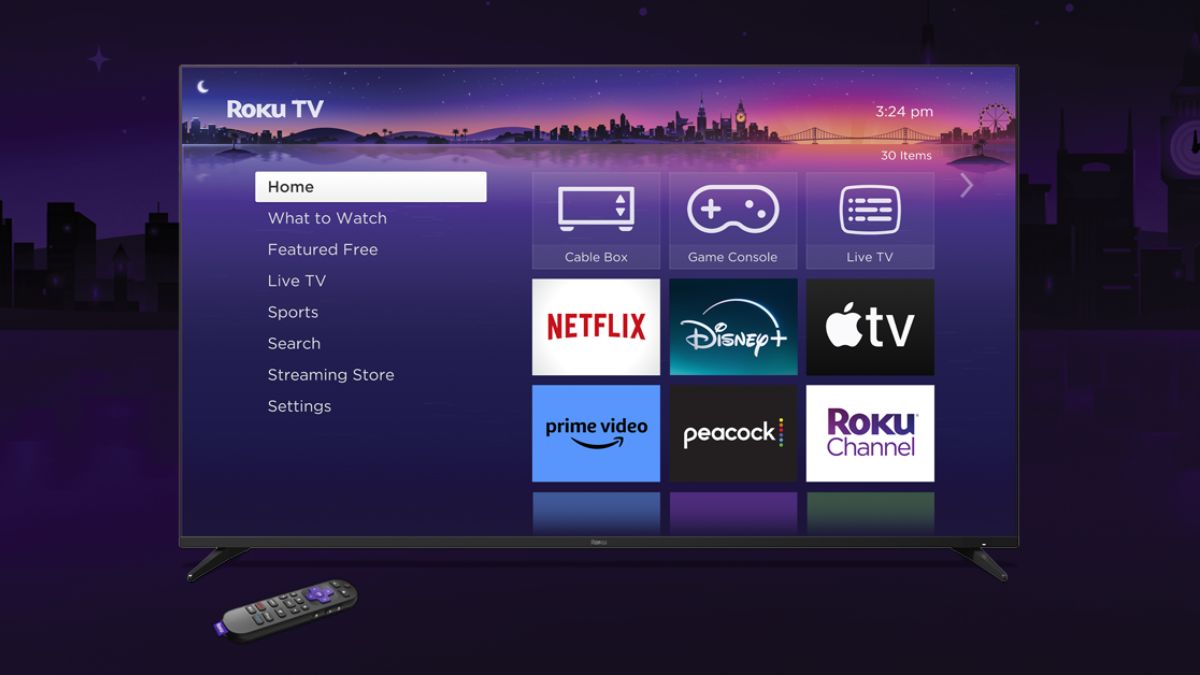
Roku is making it easier than ever for property owners and managers to provide a seamless and personalized streaming experience for their guests. The company has enhanced its Guest Mode feature, offering greater privacy and convenience for both hosts and visitors.
Guest Mode allows guests to access streaming services using their own accounts without having access to the host’s personal information or billing details. This eliminates the need for guests to remember to log out of their accounts before leaving, while also preventing accidental purchases or access to the host’s personal content.
Recent updates to Guest Mode have made the feature even more user-friendly. Hosts can easily enable Guest Mode on their Roku devices or through the my.roku.com website. The setup process requires a Roku PIN for added security, ensuring that only authorized individuals can activate or deactivate the feature.
Benefits for Hosts:
- Enhanced Privacy: Protects personal streaming accounts and billing information.
- Improved Security: Prevents unauthorized access to personal content and settings.
- Time Savings: Eliminates the need to manually log guests in and out of accounts.
- Cost Savings: Prevents accidental purchases or unauthorized charges.
Benefits for Guests:
- Personalized Experience: Access streaming services using their own accounts and preferences.
- Convenience: No need to remember usernames and passwords or log out before leaving.
- Privacy: Keeps personal streaming activity separate from the host’s account.
With these enhancements, Roku Guest Mode provides a valuable tool for property owners and managers, particularly in the short-term rental market and hospitality industry. It simplifies the process of providing entertainment for guests while ensuring privacy and security for all.
Turn on Guest Mode on your Roku device
- On your Roku remote, press Home

- Scroll and select Settings
- Select Guest Mode
- Select Enter Guest Mode
- Enter your Roku PIN (or first create a PIN at my.roku.com/account/PIN)
- Select OK and confirm
- Note: If Guest Mode is not listed as an option, then it is not available in your region.
Turn on Guest Mode on my.roku.com
- Sign in at https://my.roku.com/account
- Scroll down to My streaming devices & TVs
- Find your Roku device and select Enable Guest Mode
- Enter your Roku PIN and confirm
Turn off Guest Mode on your Roku device
- If needed, first complete the welcome flow to get to the Guest Mode Home screen.
- Select Home on your Roku remote
- Scroll and select Settings
- Select Guest Options
- Select Sign out and clear info
- Enter your Roku PIN
- Select OK
Turn off Guest Mode on my.roku.com
- Go to my.roku.com on your computer or smartphone
- Scroll down to My streaming devices & TVs
- Find your Roku device and select Disable Guest Mode
- Enter your Roku PIN and select Disable Guest Mode