
Category: How To
-
How to update your G-Box Q
Here is your step by step guide on how to update your G-Box Q. 1) Start at the home screen and scroll down to the Settings row at the bottom of the screen. After you get the Settings row click on the System Settings button. 2) In the System Settings scroll all the ways down to the About & Help row. 4) In…
-
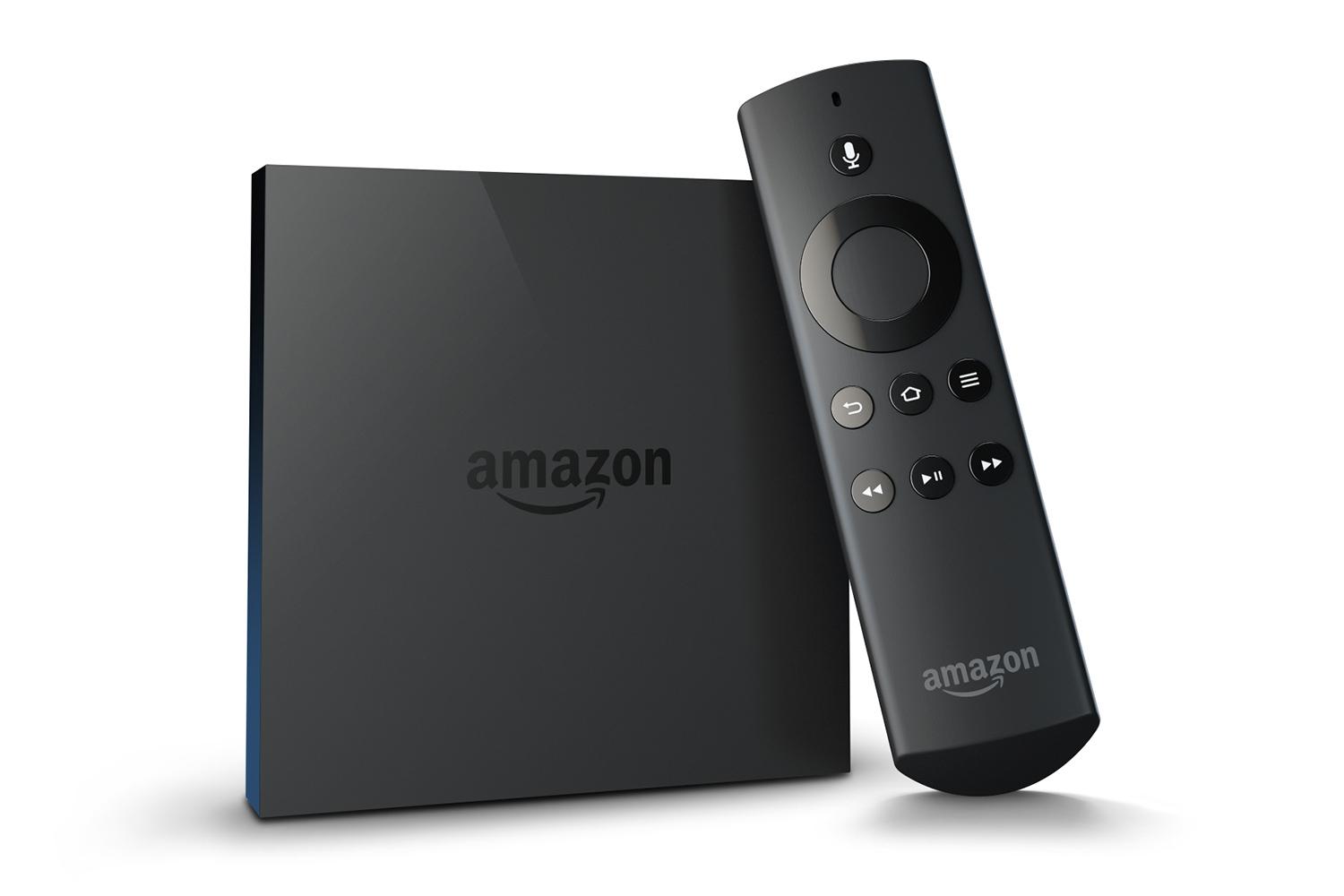
How To Adjust Your Fire TV To Fit Your TV Screen
If your TV is not fully displaying your Fire TV screen or your just not sure if it is, here is how to adjust the display for your Fire TV. 1: From the home screen scroll down to Settings. 2: Select the Display & Sounds in the Settings menu 3: Click Display in the Settings…
-
How to set a sleep timer for Kodi/XBMC Android boxes.
A sleep timer was something I missed when I got my G-Box Q. The issue is not the G-Box but XBMC on Android. Thankfully I found this great add-on that will allow you to set a sleep timer. After you download that file watch the YouTube video for directions on how to install and set…
-

How To Change Amazon Instant Auto Play Settings For Roku
Amazon Instant Roku App recently updated to include a auto play feature. There is an cut off after about 4 episodes but if you are like me, you have a data cap and don’t want episodes to keep playing after you fall asleep at night. Thankfully there is a option to disable the new auto…