
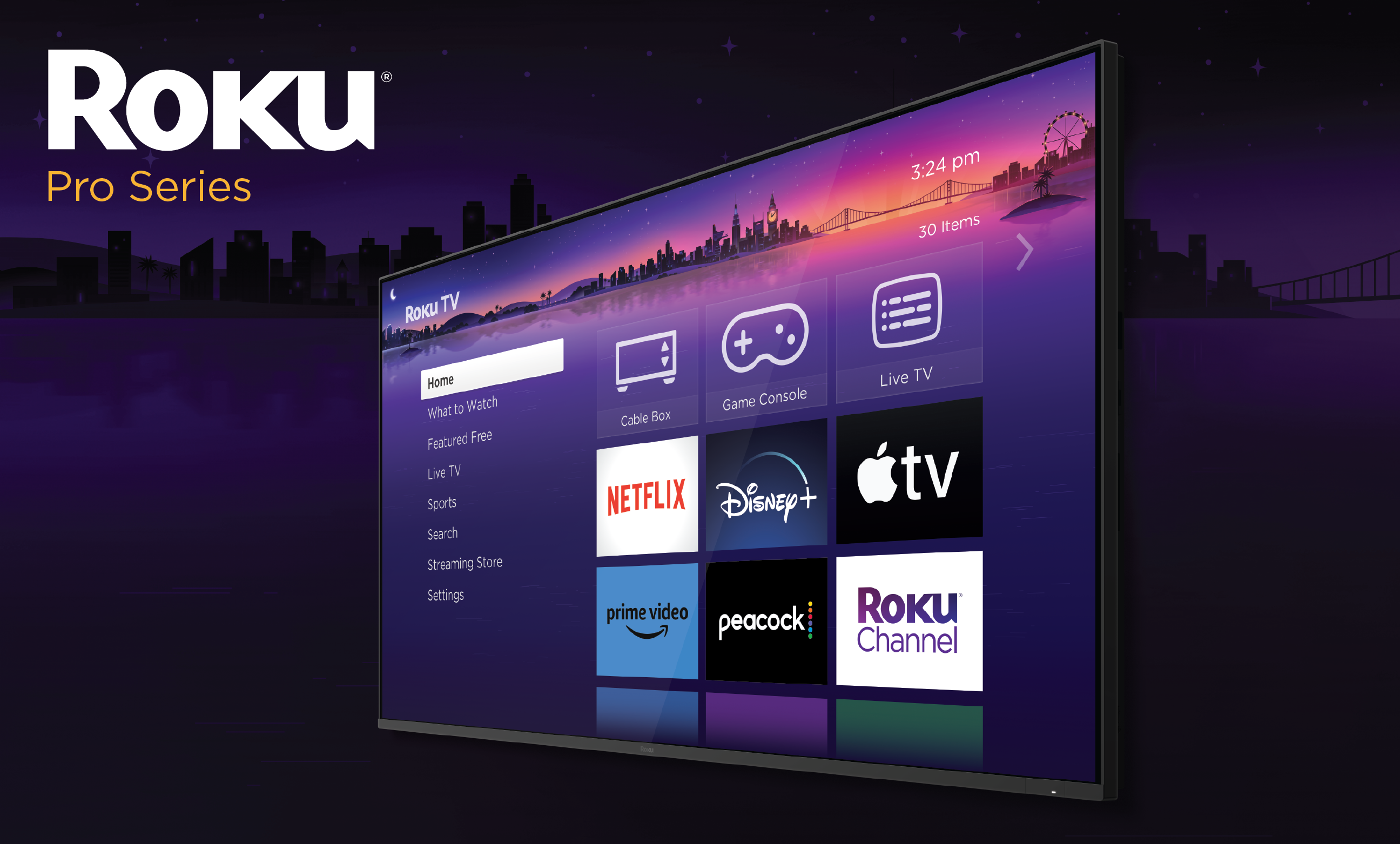
In recent months, Roku has rolled out a beta update to its streaming devices and smart TVs, introducing a feature that automatically reorganizes the home screen to enhance the user experience. This new functionality prioritizes frequently used apps, placing them at the top of the interface for quicker access. The change aims to streamline navigation, reflecting patterns in how viewers interact with their content. However, the update has sparked widespread discussion among users, many of whom prefer the familiarity of a customized layout over an algorithm-driven arrangement.
The automatic sorting feature began appearing in beta tests earlier this year and has since been integrated into standard software updates across various Roku models, including streaming sticks, boxes, and smart TVs. By analyzing usage data, the system dynamically adjusts the order of app tiles, pushing lesser-used ones further down the screen. This approach mirrors similar adaptive interfaces seen in other smart devices, where personalization is key to retaining user engagement. Yet, for those accustomed to manually curating their home screen—perhaps grouping apps by category like entertainment, news, or sports—the shift can feel disruptive, leading to frustration during everyday use.
Fortunately, Roku has anticipated such preferences and built in straightforward options to disable the automatic rearrangement. Users seeking to restore their original setup can navigate through a few simple menu steps. Starting from the home screen, access the Settings menu, then select Home Screen, and locate the App Order option. Here, the toggle allows switching from Automatic to Manual mode, empowering users to rearrange apps as they see fit by highlighting and moving tiles with the remote. This adjustment takes effect immediately, preserving the user’s chosen order without further interference from the device.
In some cases, the App Order setting might not appear right away, which has been reported by a portion of the user base. This issue often stems from ongoing software rollouts or participation in beta programs, where features are tested in phases. To resolve this, first ensure the Roku device is running the latest system software by checking for updates in the Settings menu under System, then selecting System Update. In some cases, the App Order setting might not appear right away, which has been reported by a portion of the user base. This issue often stems from ongoing software rollouts or participation in beta programs, where features are tested in phases. To resolve this, first ensure the Roku device is running the latest system software by checking for updates in the Settings menu under System, then selecting System Update.
Beyond the core App Order toggle, some users have encountered related settings that influence home screen behavior. For instance, a Quick Access feature under the same Home Screen menu can also contribute to unexpected changes by highlighting popular or recently used items. Disabling this option complements the switch to Manual mode, ensuring a fully static layout. These tools demonstrate Roku’s commitment to flexibility, allowing personalization amid broader ecosystem enhancements.
The introduction of automatic sorting comes at a time when streaming platforms are increasingly focusing on data-driven interfaces to boost retention. Roku, with its vast library of channels and apps, benefits from such innovations by making content discovery more intuitive for casual users. However, the backlash highlights a divide: while some appreciate the convenience of having favorites bubble to the top without effort, others value control over their digital environment. This update aligns with industry trends, where companies like Amazon and Google have implemented similar adaptive home screens on their Fire TV and Android TV platforms, respectively.
For those who decide to stick with the automatic feature, it offers potential time savings, especially in households with multiple users where app preferences vary. Over time, the system learns from interactions, refining the order to better suit daily routines. Nevertheless, the ease of reverting to manual arrangement ensures no one is locked into the change, fostering a user-centric approach.
As Roku continues to evolve its software— with updates announced in 2025 bringing improved voice search and integration with smart home devices—the ability to customize remains a cornerstone.
Please add Cord Cutters News as a source for your Google News feed HERE. Please follow us on Facebook and X for more news, tips, and reviews. Need cord cutting tech support? Join our Cord Cutting Tech Support Facebook Group for help.